
Takeover 2 System Requirements: What Your PC Needs
The official Takeover 2 PC requirements, what the minimum and recommended specs mean in practice, and how to test your machine with the free demo.
Takeover 2 needs a 64-bit Windows 10 or 11 PC, 8 GB of RAM, a GTX 950 or GTX 1050-class GPU and 10 GB of storage. The recommended build asks for an RX 6600 or RTX 2060. Source: Takeover 2 on Steam ↗
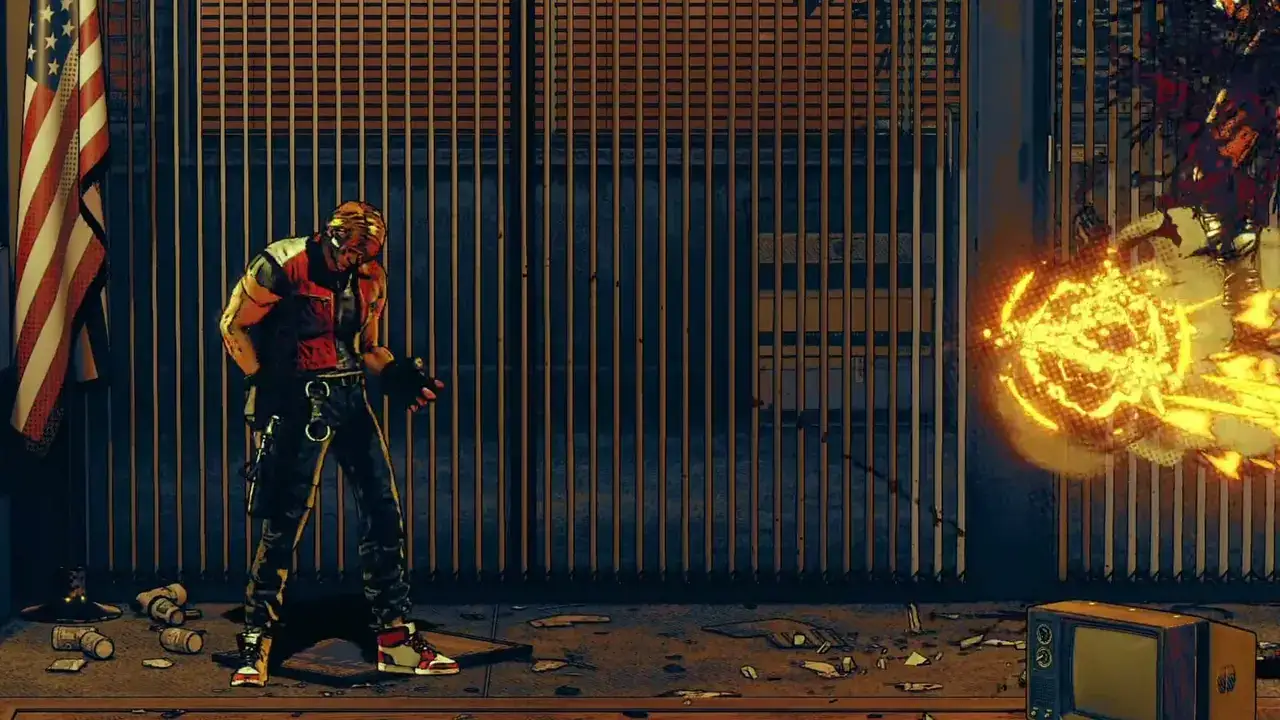
Takeover 2 is a 2.5D arcade brawler, not a ray-traced open world, and its requirements reflect that. The surprising part is the recommended GPU: an RX 6600 or RTX 2060 is a lot of graphics card for a game that looks like a 1990s cabinet. That usually signals a locked resolution or a heavy post-processing stack rather than a simulation bottleneck, but Pelikan13 has not published performance targets, so the honest answer is that the specs tell you whether it will run, not how fast.
Official minimum requirements
| Component | Minimum |
|---|---|
| OS | Windows 10 or 11, 64-bit |
| CPU | AMD Ryzen 3 3200G or Intel Core i5-8400 |
| RAM | 8 GB |
| GPU | NVIDIA GTX 1050 or GTX 950 |
| Storage | 10 GB available space |
| DirectX | Not stated on the store page |
| Network | Not required for single-player |
The minimum is a genuine low bar. A Ryzen 3 3200G is an entry-level APU, and the GTX 950 is a 2015 card. If you have a desktop from the last eight years with a discrete GPU, you are probably above the floor.
Official recommended requirements
| Component | Recommended |
|---|---|
| OS | Windows 10 or 11, 64-bit |
| CPU | AMD Ryzen 5 3600 or Intel Core i5-10400 |
| RAM | 8 GB |
| GPU | AMD RX 6600 or NVIDIA RTX 2060 |
| Storage | 10 GB available space |
The recommended CPU is a six-core mainstream part, but the RAM recommendation stays at 8 GB. That combination suggests the game is more sensitive to single-core speed and GPU fill rate than to memory capacity. It also means a laptop with 16 GB of RAM but a weak integrated GPU will still struggle more than a desktop with 8 GB and a real graphics card.
What the specs mean in practice
The store page does not say "1080p60" or "4K", so any specific frame-rate promise would be invented. What we can say is:
- 1080p is the safe target. The recommended GPUs are 1080p-class cards. A 1440p or 4K display will work, but expect to lower settings or accept a lower frame rate.
- The 10 GB install is small. This is not a game you need to clear a terabyte drive for.
- An SSD is nice, not required. Stages are short and load between fights, so a hard drive will work; an SSD just shortens the waits.
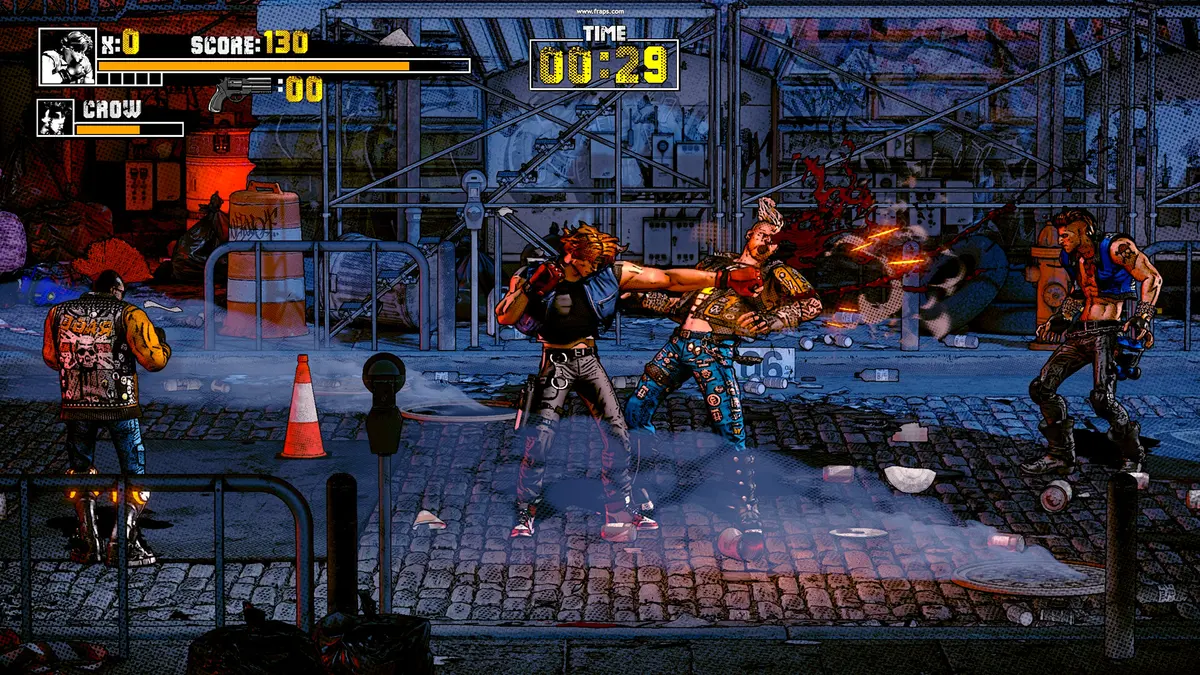
- Integrated graphics are the real risk. The minimum GPU is discrete. Intel Iris Xe and Vega integrated graphics may boot the game, but four-enemy waves with screen shake and particle effects are exactly the scenario where an iGPU drops frames.
- A controller is effectively required for comfort. The game supports keyboard-only play, but the parry timing and six-way run are designed around a gamepad.
If your machine sits between the minimum and recommended tiers, the free demo is a better benchmark than any spec table. It contains the same combat density as the full game.
How to test your PC with the demo
- Install the Takeover 2 demo ↗ from Steam.
- Set the resolution to your monitor's native value and leave the game's default graphics preset.
- Play the first stage until you reach a four-enemy wave, not just the opening two enemies.
- Watch for frame drops during parries, explosions and multiple simultaneous hit effects. Those are the moments that stress the GPU.
- If it holds, drop the resolution one step and repeat. The difference tells you how much headroom you have.
Do not judge performance from the title screen or a quiet corridor. The game's cost is in the crowd.
Steam Deck and low-power PCs
There is no native Linux build. Steam Deck runs the Windows version through Proton, and the 10 GB install fits comfortably on the internal drive. Full controller support and the modest CPU floor are positive signs, but the HUD is dense and the parry flash is fast, so playability is as much about screen size as frame rate.
On a low-power laptop, the first settings to change are resolution and shadow quality, in that order. If the game offers a resolution scale or render scale option, use it before touching texture quality; the art style hides lower internal resolution well. Cap the frame rate to 60 if you see inconsistent pacing, because a stable 60 feels better than a fluctuating 80 in a timing-based brawler.
Common launch problems
The game launches on the wrong monitor. Use windowed mode, drag it to the correct display, then switch back to fullscreen. Multi-monitor setups with different refresh rates can also cause pacing issues; set both displays to the same refresh rate if possible.
The controller is not detected. Takeover 2 supports Xbox and PlayStation controllers, but Steam Input can override the game's native handling. Try disabling Steam Input for the game, or switch the controller to the correct profile. If the buttons are mapped strangely, check whether the game is reading a virtual controller created by another launcher.
The game stutters in the first minute. Shader compilation and antivirus scanning are the usual suspects on a new install. Let the first stage finish, then restart the game once. If stutter persists, add the install folder to your antivirus exclusions and verify the files through Steam.
It will not start at all. Verify the game files, update your GPU driver, and check that Windows is fully updated. A 64-bit OS is mandatory; the game will not run on a 32-bit installation.
For handheld play, the Steam Deck page→ covers Proton and settings.
FAQ
Can I run Takeover 2 on 8 GB of RAM?
Yes. 8 GB is both the minimum and the recommended amount on the official store listing, which is unusual but clear. Close background apps if you are near the limit.
Does Takeover 2 need an SSD?
No. The store page only asks for 10 GB of available space. An SSD improves load times between stages but is not a requirement.
Is there a Mac or Linux version?
No. The game is Windows-only on Steam. Mac users have no supported route, and Linux users need to run the Windows build through Proton or another compatibility layer.
Sources
Official source: Takeover 2 on Steam ↗ Takeover 2 guides and walkthroughs